What is an APK file? How it is masked as everyday tool to loot citizens
Do not download APK files shared through messages, emails, or social media links
By - Sistla Dakshina Murthy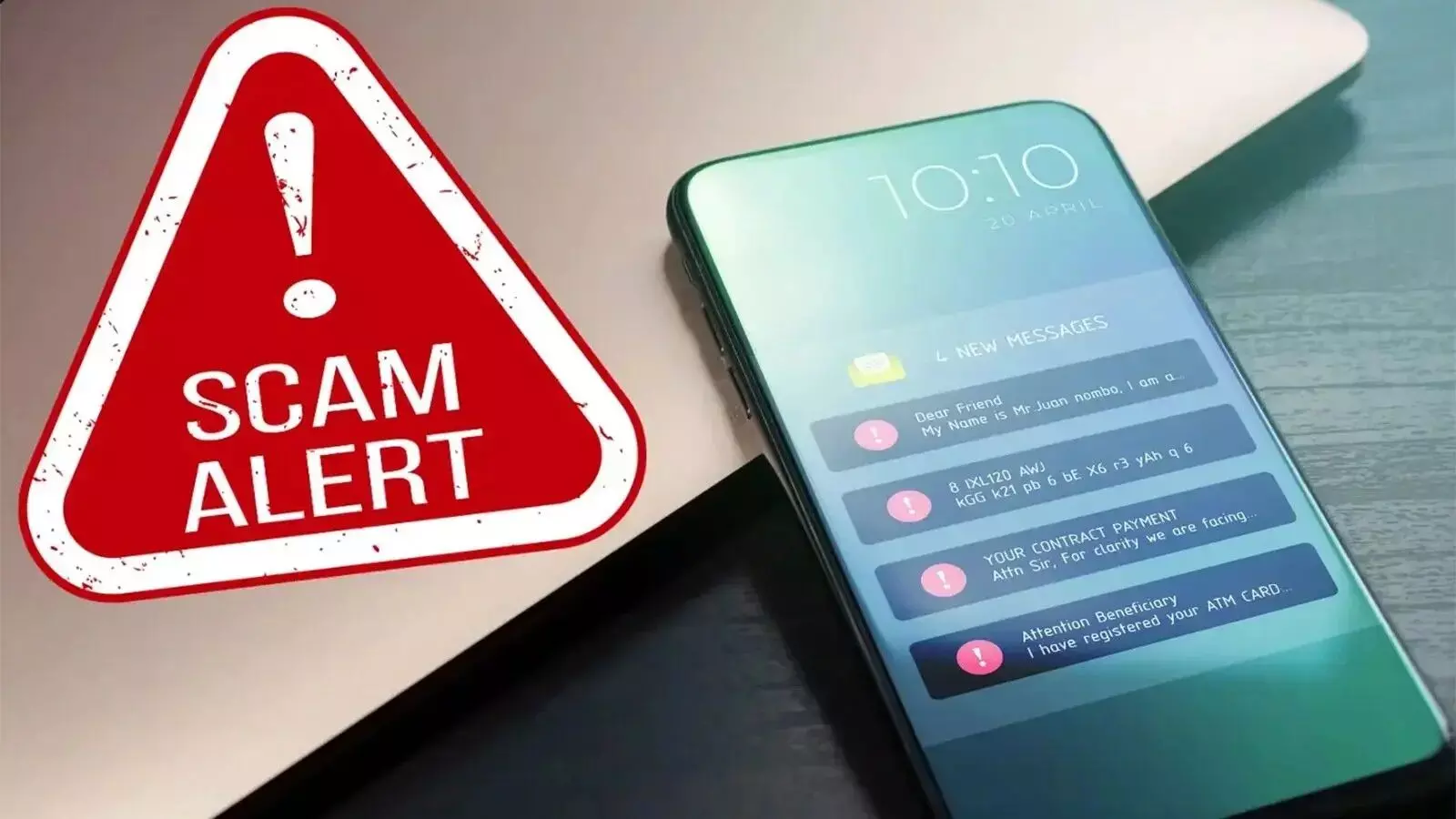
Representational Image
Hyderabad: Cybercrime officials have flagged a sharp rise in fraud cases involving fake Android application (APK) files being circulated through messaging apps, social media platforms, and fraudulent websites.
These malicious apps are being falsely projected as banking tools, government service portals, KYC updates, cashback offers, job alerts, and investment platforms, leading to financial losses and identity theft.
Once installed, the fake APKs operate silently in the background, stealing sensitive personal and banking information, including One-Time Passwords (OTPs), and, in some cases, granting criminals complete control over the victim’s mobile phone.
What is an APK file?
An APK (Android Package Kit) is the file format used to install applications on Android smartphones. While genuine apps are safely distributed through the Google Play Store, cyber criminals exploit APK files to spread malware by encouraging users to install apps from outside official platforms.
How do fraudsters lure victims?
Fraudsters circulate fake links through SMS, WhatsApp, Telegram, email, and social media posts. These links are often disguised as official communications from banks, government departments, or utility service providers.
Common file names include RTOChallan.apk, PMKisanYojana.apk, ElectricityCurrentBill.apk, HMWSSB.apk, CreditCard.apk, and RewardPoints.apk, giving them the appearance of legitimate services.
What happens after the App is installed?
Once the user installs the fake APK, the app demands excessive permissions such as access to SMS, contacts, notifications, screen sharing, and device controls. This allows criminals to monitor messages, intercept OTPs, and track user activity without detection.
How is money stolen?
The malicious app secretly captures banking credentials, debit and credit card details, and OTPs in real time. Some APKs contain Remote Access Tools (RATs), enabling criminals to take full control of the phone and carry out unauthorized transactions while the victim remains unaware.
Why do these apps look genuine?
To gain trust, fake APKs closely mimic the design, logos, and interfaces of official banking apps, government portals, and payment gateways. This impersonation makes it difficult for users to distinguish between genuine and fraudulent applications.
What are the consequences for victims?
Victims often suffer unauthorized withdrawals from their bank accounts, misuse of personal data, and identity theft. In many cases, stolen information is reused for further cyber crimes or sold on illegal online platforms.
How can users protect themselves?
Do not download APK files shared through messages, emails, or social media links.
Install apps only from the Google Play Store or official websites.
Avoid clicking suspicious links offering KYC updates, government benefits, or cashback rewards.s
Check app permissions and deny access that appear unnecessary.
Never share OTPs, PINs, or passwords with anyone.e
Keep phones updated with the latest operating system and antivirus software.
What should you do if you suspect fraud?
Cybercrime authorities urge victims or those who suspect malicious activity to report immediately to the National Cyber Crime Helpline 1930 or file a complaint at www.cybercrime.gov.in. Early reporting improves the chances of blocking fraudulent transactions and tracing offenders.


